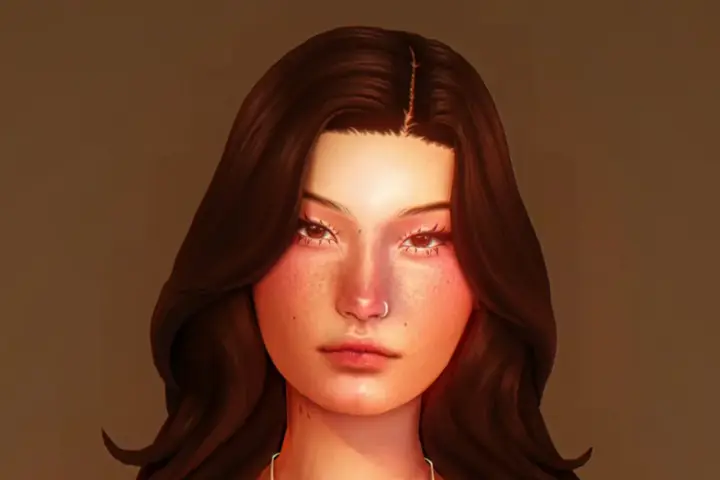
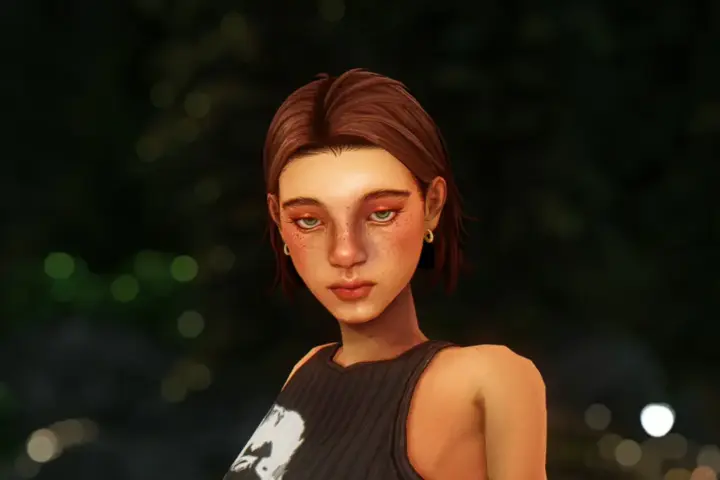
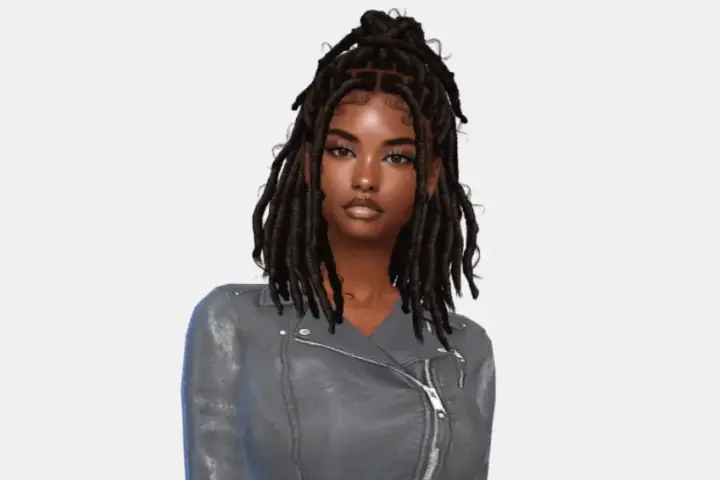
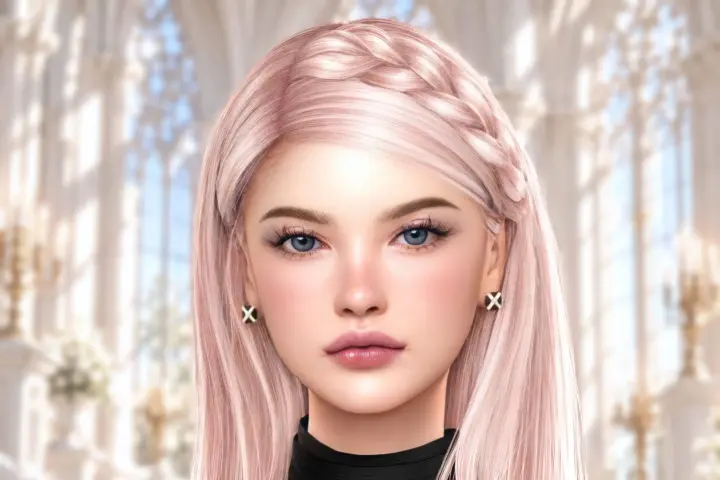
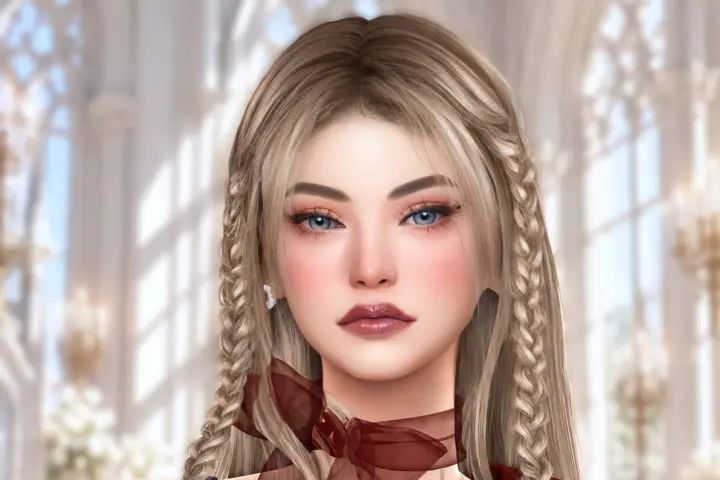
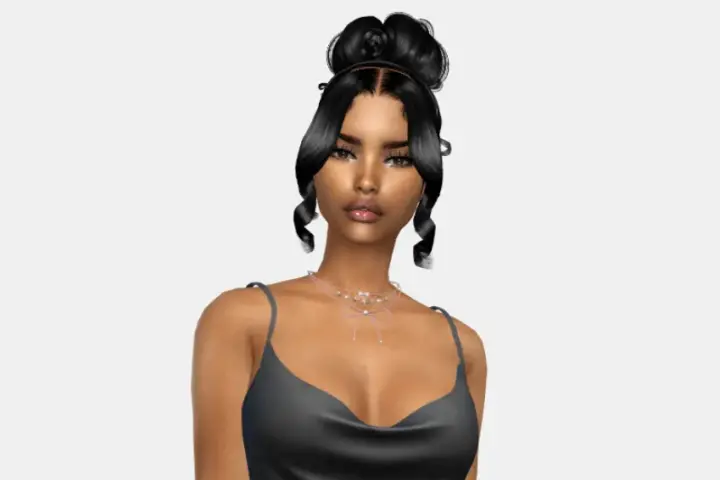
After installing the Sim:
1. Place all files in a separate folder to avoid mixing them with your existing content.
2. Before launching the game, check for duplicates using Mod Manager. Custom content can be temperamental, and this will help prevent conflicts.
If you find duplicates, delete your old files, not the ones included with the Sim. Otherwise, the genetics will break.
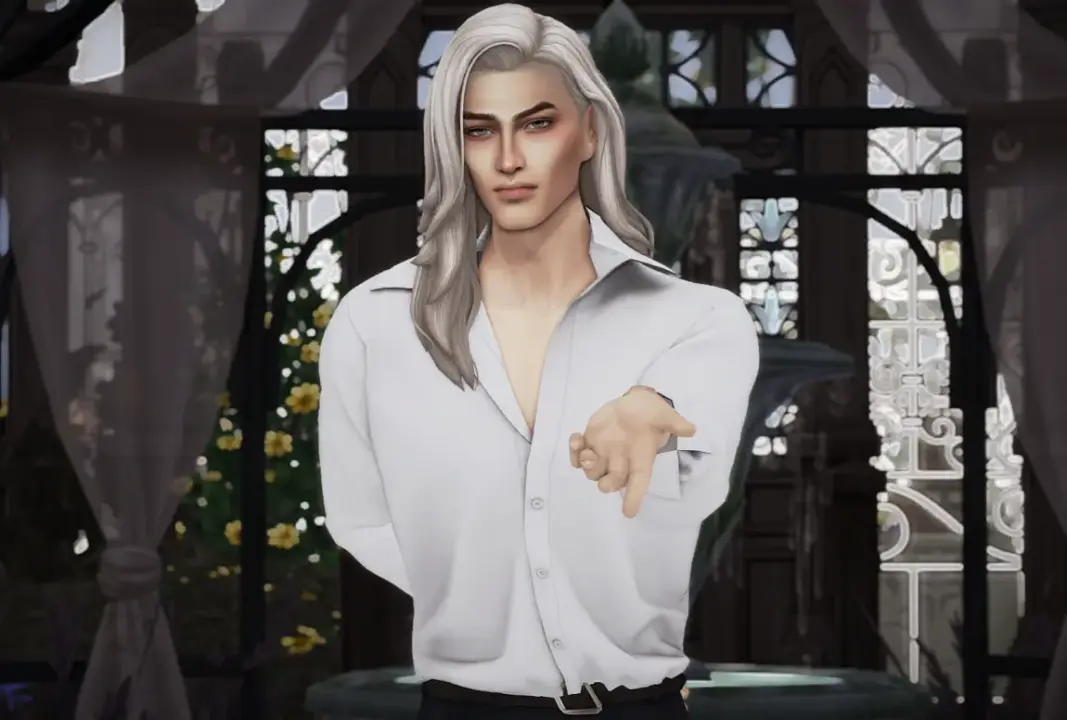
Please note: I use sliders, presets, and default replacements. Without them, the Sim will appear different.
The Sim comes with a full wardrobe.
This package contains only the Tray folder. To make the Sim look like in the photos, visit Boosty and download the required CC files:
https://boosty.to/manyasha0999/posts/7d183671-9dc8-40b5-bf55-a527ec80b353
Mikaël "Broken Heart of Astraea"
mikael-razbitoe-serdce-astrei.zip